
Compliance
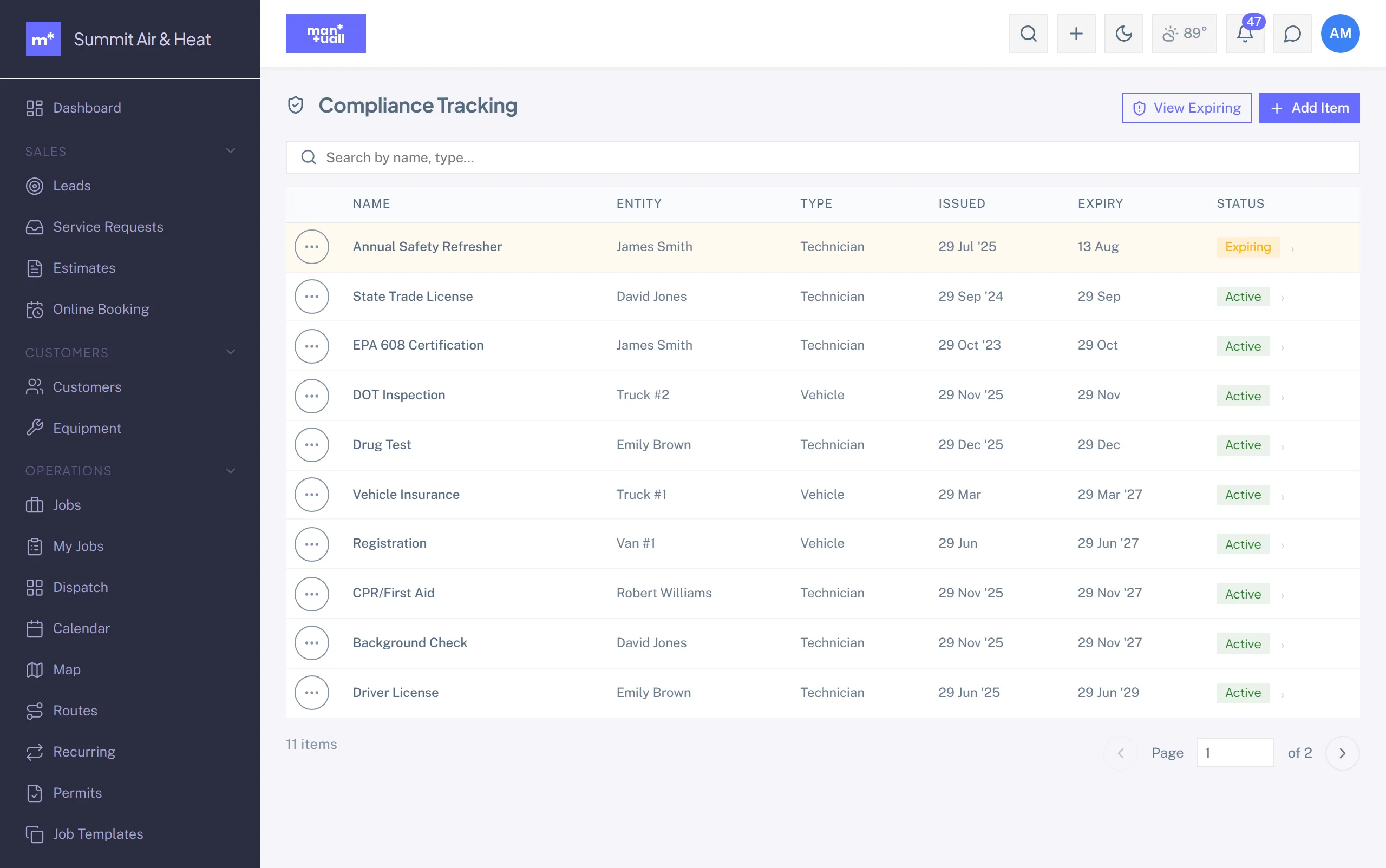
Track certifications, licenses, and insurance expiry across the team, trucks, and equipment.
Compliance items track certifications, licenses, and insurance so an expiry never surprises you on the day of a job.
Compliance item fields
- What it's attached to: a team member, a vehicle, or a piece of equipment.
- Name (for example "EPA 608 Universal").
- Issue date and expiry date.
- An optional document attachment (up to 10 MB).
Each item shows a computed status from its expiry date: Active, Expiring (within 30 days), or Expired.
The expiring rollup
Compliance -> Expiring folds compliance items and your subcontractors' insurance into one "what's about to lapse" view. The default window is 30 days; widen or narrow it as you like.
Required compliance
Settings -> Compliance config lets you mark certain items as required. Anyone missing a required item surfaces on the Dashboard's compliance gaps tile.
Plan tier
Compliance is on Professional and up.