
Customers
Customer records, sites, contacts, equipment history, portal access, merge.
Customers are the center of gravity. Almost every record links back to one. The Customers feature covers the record itself, contacts, multiple sites, equipment history, portal access, geocoding, and the merge tool.
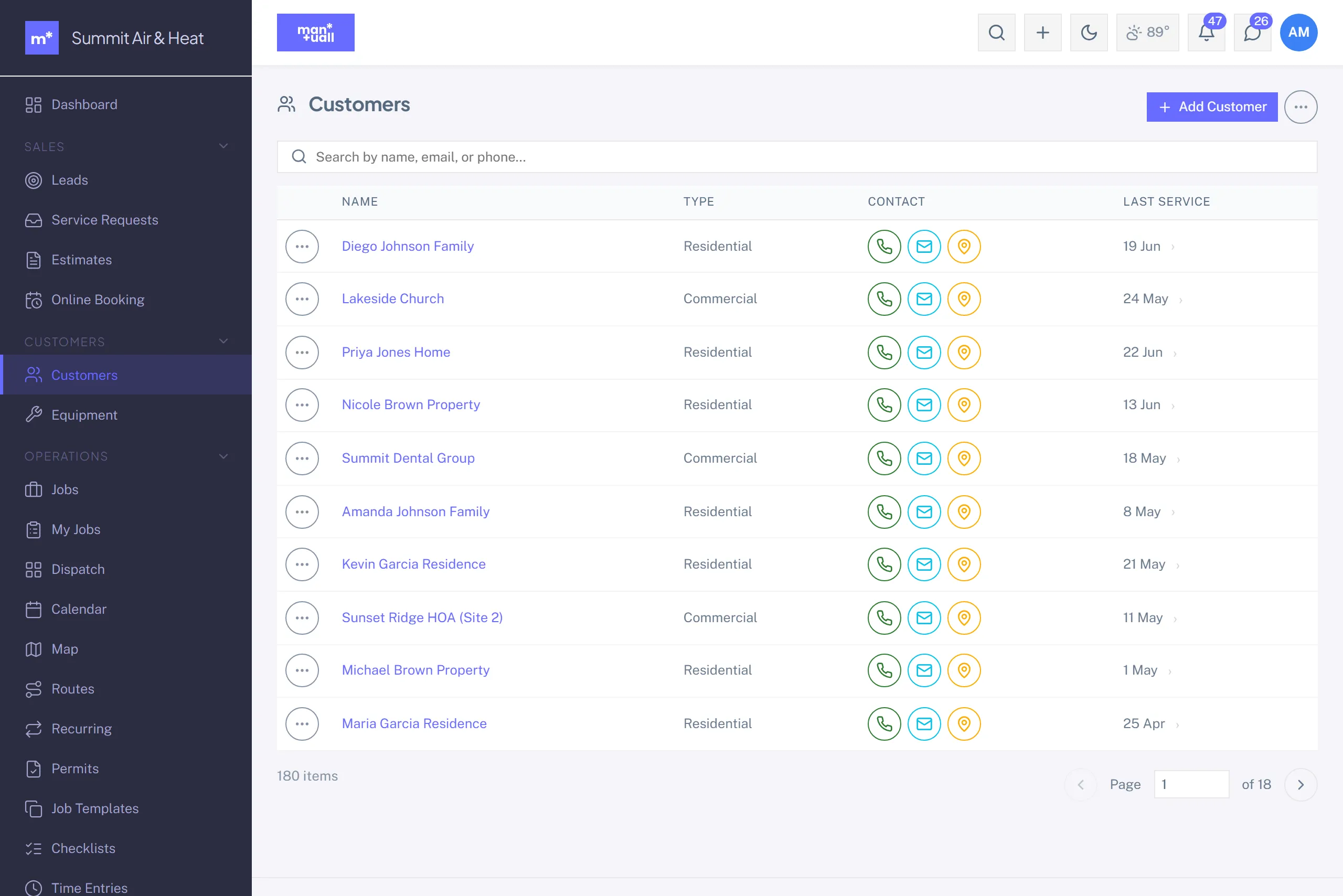
The customer record
| Field | What it drives |
|---|---|
| Name | Display name on every document, in search, in nav. |
| Type (Residential / Commercial) | Default Price Book tier (Commercial -> Commercial price). |
| Membership Status | If Member, the Price Book defaults to the Member tier. |
| Phones / Email | The SMS and email channels for invoices, surveys, and portal links. |
| Billing address / Service address | Two separate addresses; the service address geocodes for the map and the slot finder. |
| Source | How the customer arrived (referral, web, ad, repeat). Analytics -> Lead Pipeline uses it. |
| Tax exempt | Invoices skip tax for this customer. |
| Access instructions | "Code 4827 at the gate, dog in the yard." Surfaces on the tech's My Jobs page. |
| Portal Token | The unguessable token in their portal URL. Rotatable. |
Tabs on the customer detail
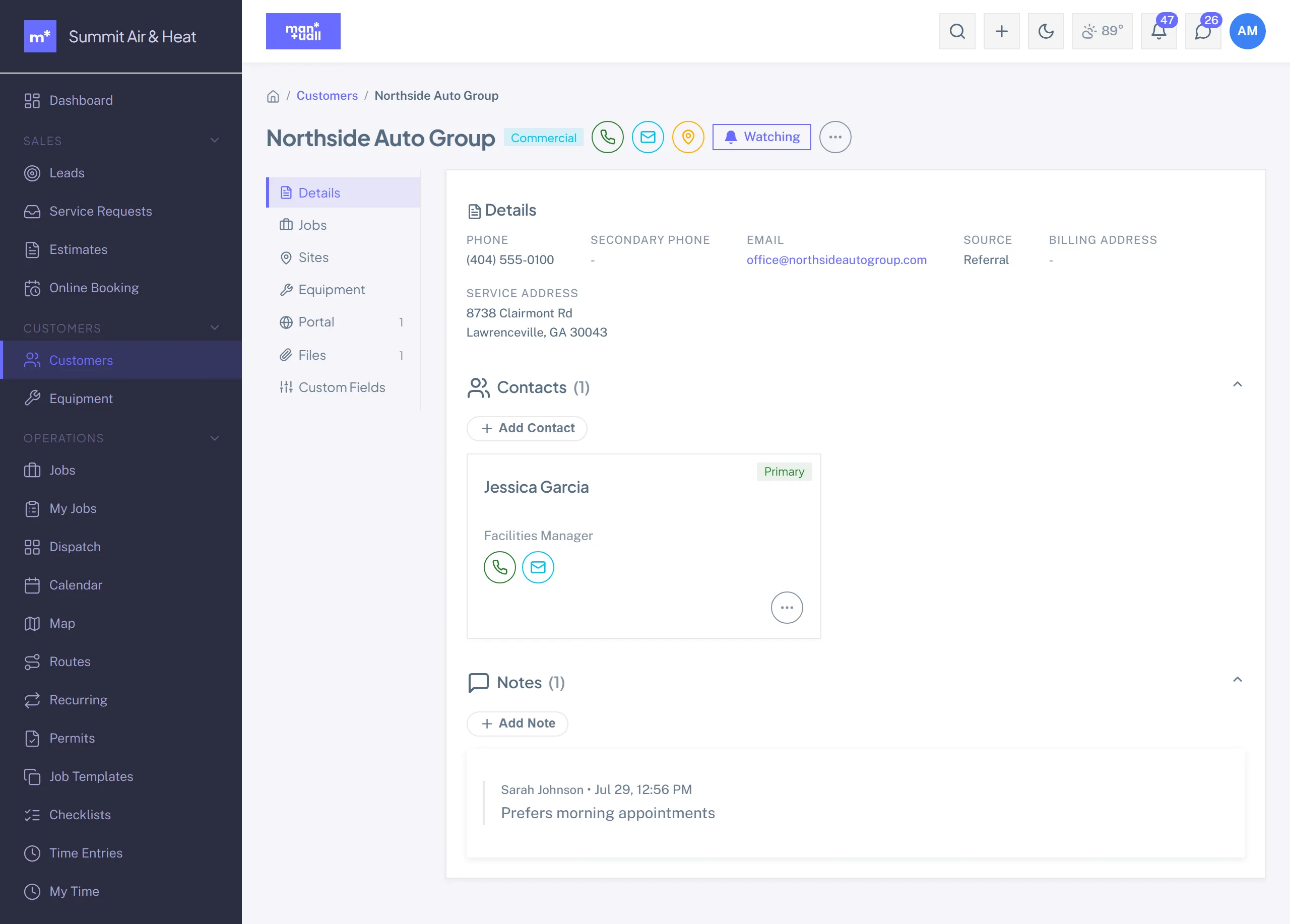
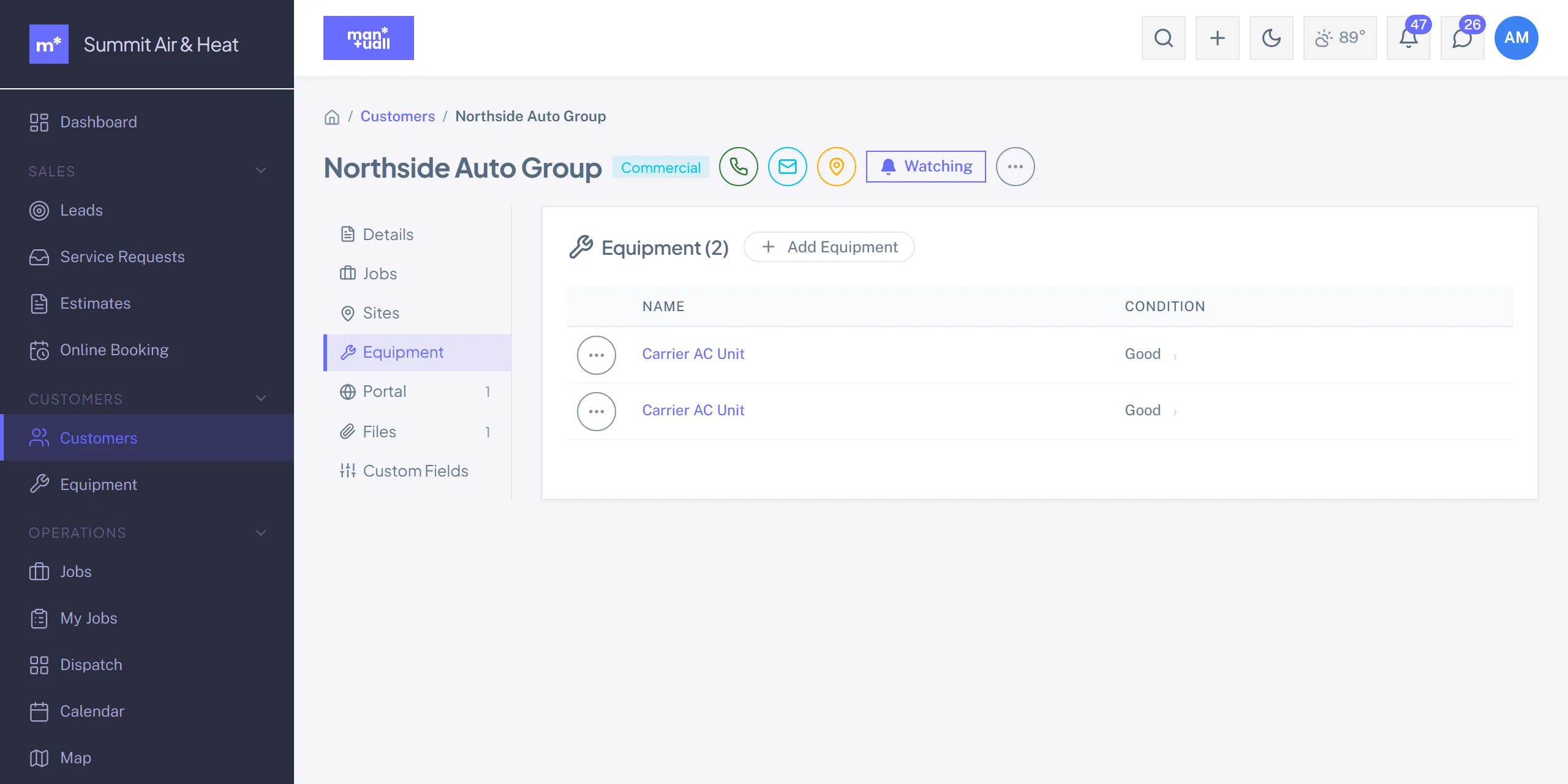
Details, Jobs, Sites, Equipment, Portal, Files, and Custom Fields. Contacts and notes sit inline on the Details tab rather than getting tabs of their own.
Multi-site customers
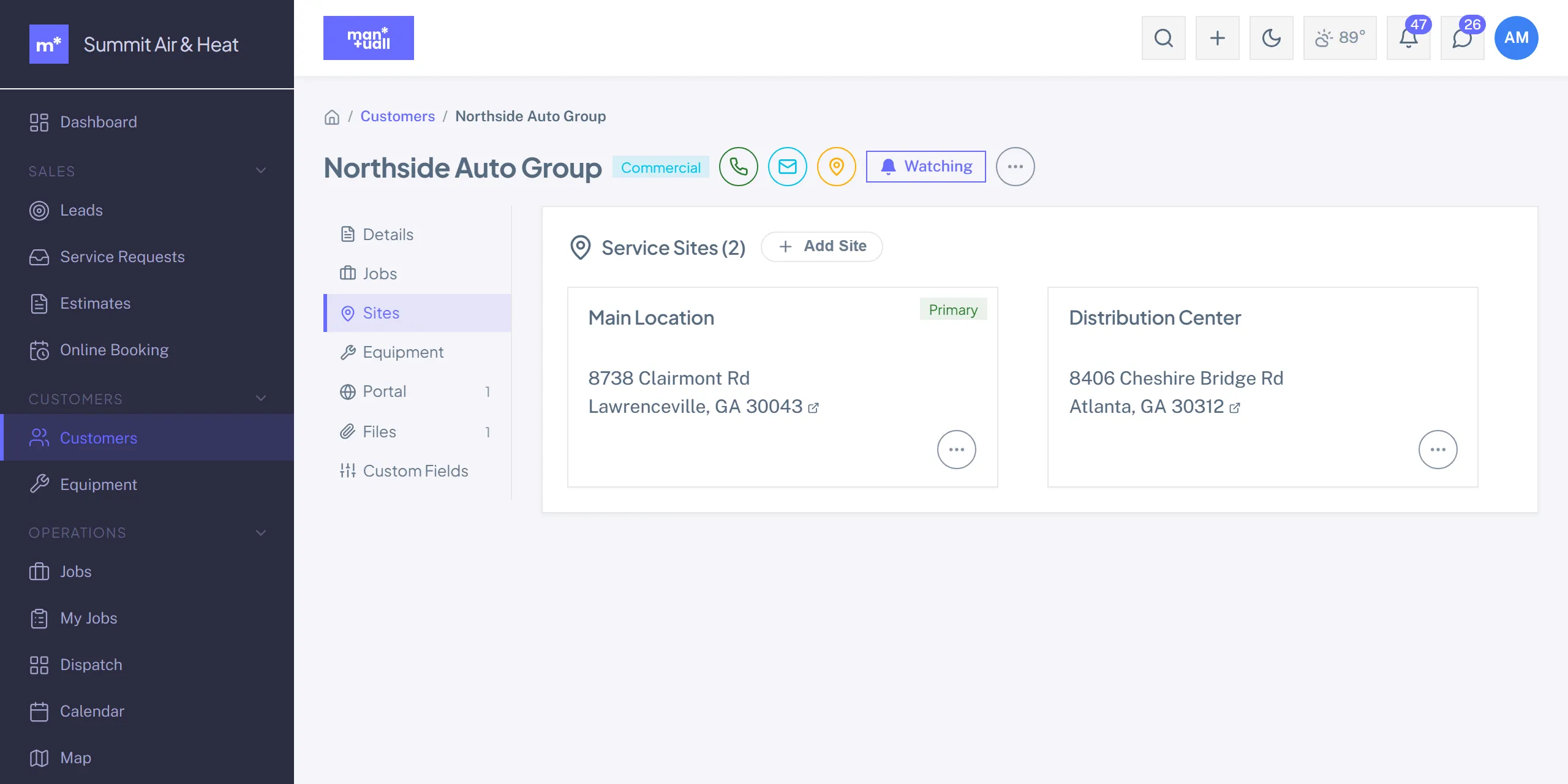
One customer, several service addresses, which is common for property managers and multi-location commercial accounts.
- Customer detail -> Sites -> + Site.
- Address (auto-geocodes), an optional nickname ("Building B"), an optional on-site contact.
- When you create a Job, pick the Site. The job's service address becomes that Site's address.
Merge duplicates
Duplicates happen. Customer detail -> Actions menu -> Merge into.... Pick the record to keep. Every job, invoice, estimate, equipment, note, and attachment moves to it, and the duplicate is soft-deleted with a link back to the survivor.
Geocoding
Service addresses geocode on save. The coordinates power the Map, the slot finder's distance math, and route building. A failed geocode keeps the customer off the map until you fix the address.
CSV import
Bulk-load from your old system: Settings -> Data -> Import -> Customers (or /import). Download the template, map your columns, preview mismatches, commit in one pass.
Plan tier
Customers is on every plan.