
Recurring Invoices
Auto-generate invoices on a schedule. Same end rules and pause/resume as recurring jobs.
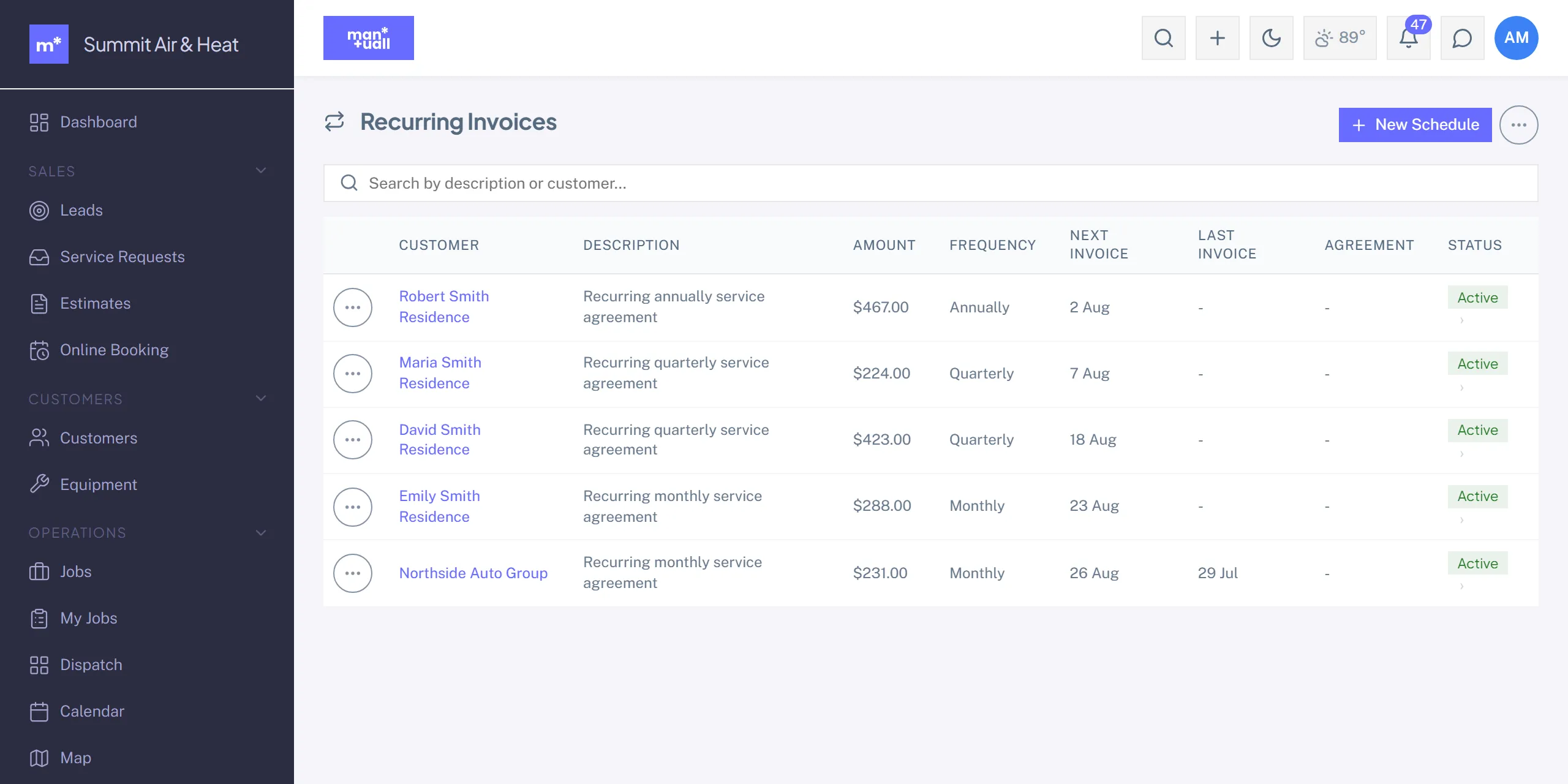
Recurring Invoices generate one invoice per cycle, with the same end-rule and pause/resume controls as Recurring Jobs. Cadence is Monthly, Quarterly, or Annually.
Setting one up
- Sidebar -> Recurring Invoices (Money group).
-
- New schedule: customer, line items, tax, cadence, and end rules.
- Save.
Auto-send vs draft
Each schedule has an Auto-send toggle. Left off (the default), a generated invoice lands in Draft for you to review and send. Turned on, the invoice emails to the customer automatically, which is what you want for fixed-line-item subscriptions.
Use cases
- Monthly maintenance plan billing.
- Quarterly pest-control packages.
- Annual service-contract renewal billing.
- Net-30 retainer billing.
Plan tier
Recurring Invoices is on Professional and up.