
Time Entries
Start/stop timer, manual entry, Work vs Travel hours, feeds payroll export.
Time tracking with a start/stop timer, manual entry, and a Work-or-Travel type on each entry.
Two surfaces
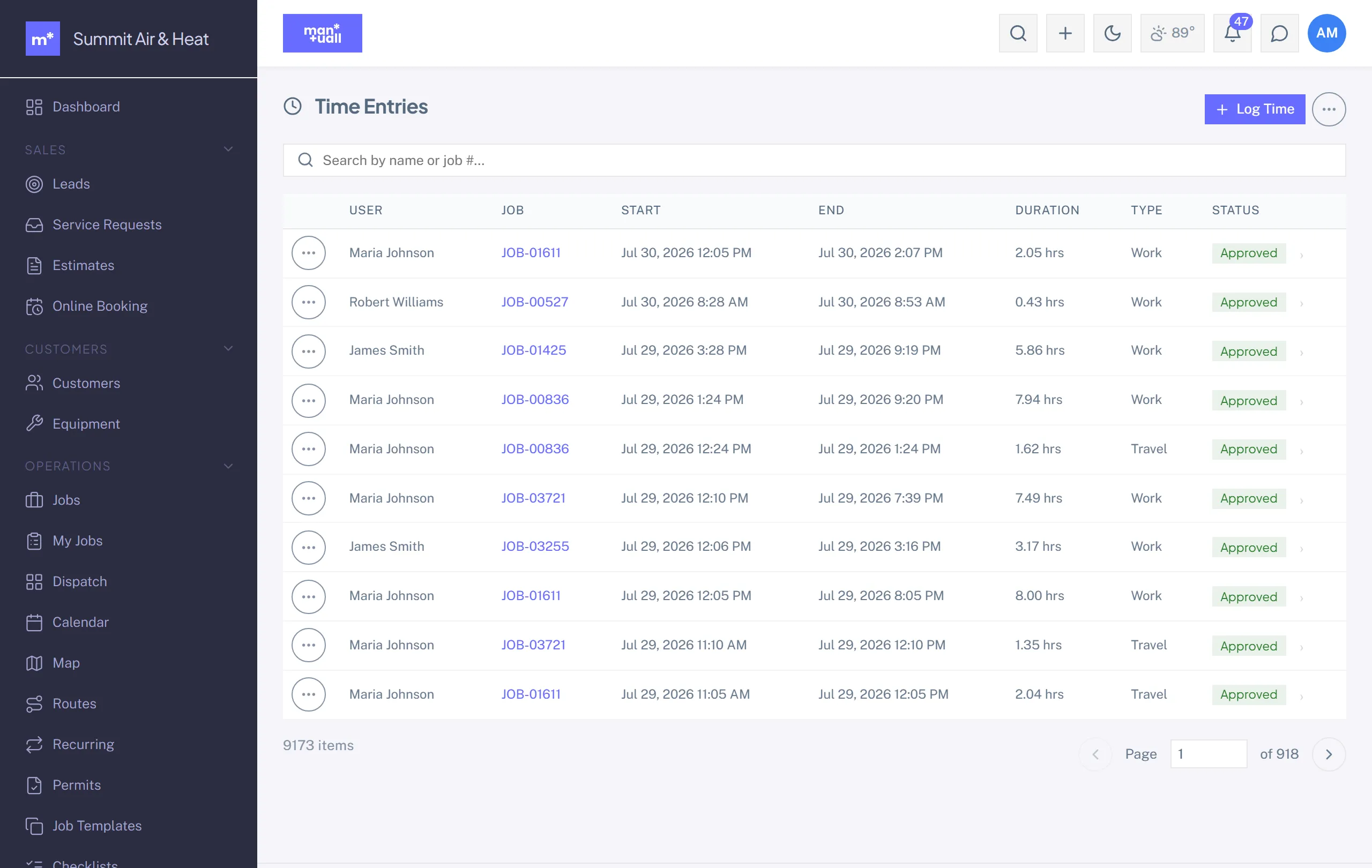
- Time Entries: everyone's time (Admin and Manager).
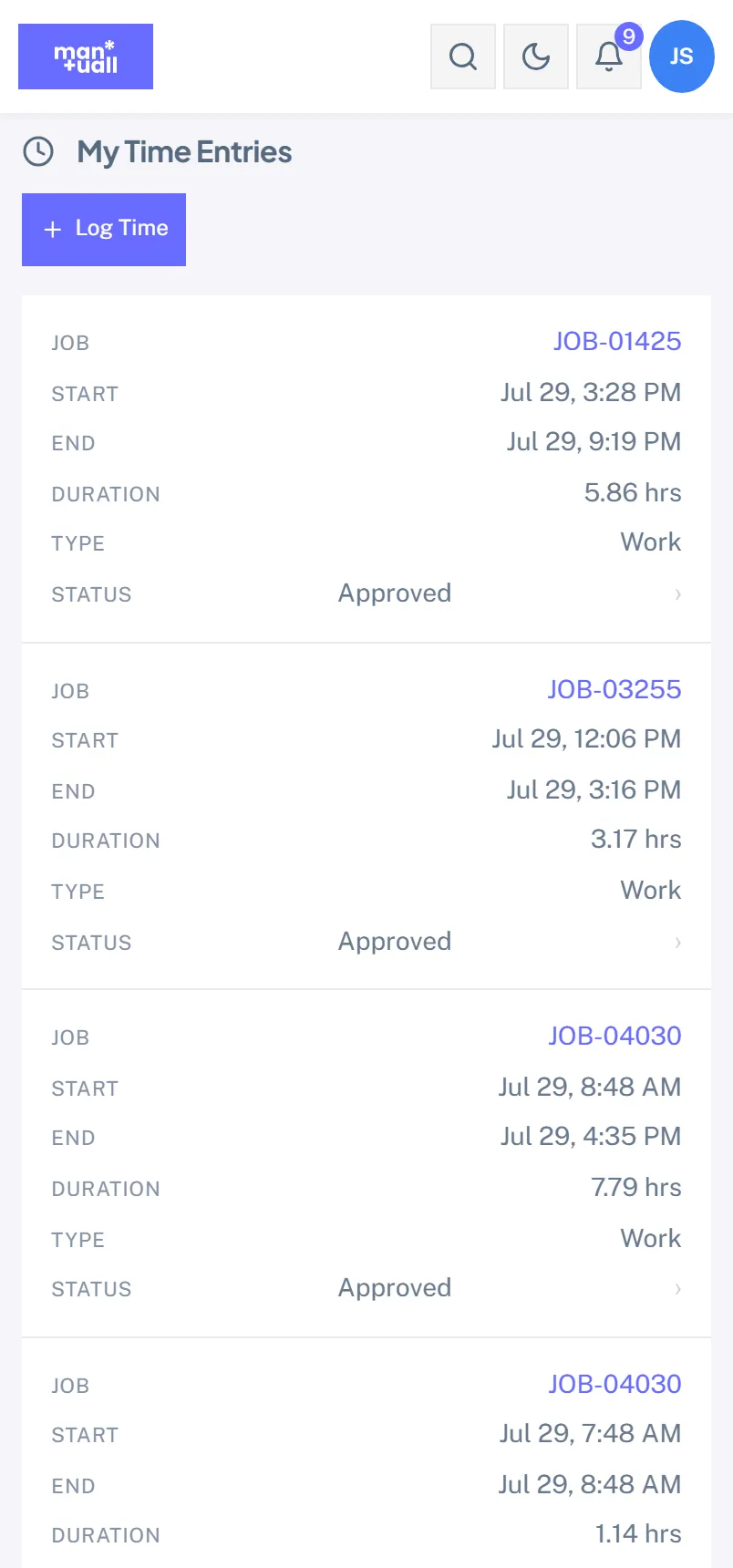
- My Time: your own entries (every role).
How entries get made
- Timer: a tech starts and stops the timer on a job from My Jobs.
- Manual: My Time -> + Entry. Date, start, end (or a duration), type, and an optional job link.
- On behalf of: an Admin or Manager can log time for a tech.
Types
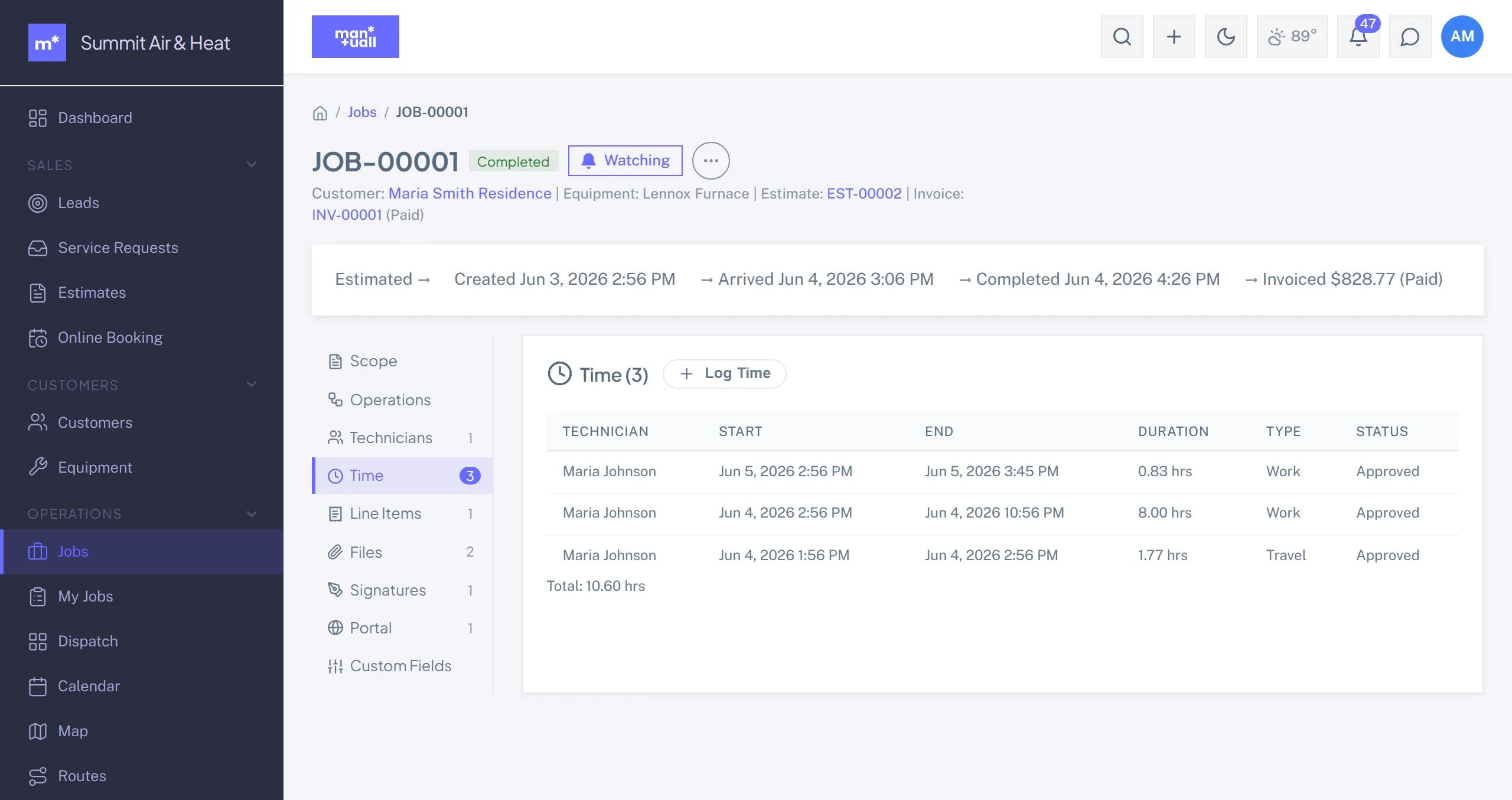
Each entry is Work or Travel, so drive time is tracked separately from time on the tools and surfaces that way in Payroll Export.
Edits and audit
Edits to existing entries are written to the Audit Log. A tech can edit their own; Admins and Managers can edit anyone's.
Into payroll
Time Entries -> date range -> Export CSV, or use Payroll Export, which adds weekly overtime (1.5x over 40 hours).
Plan tier
Time Entries is on every plan.