
QuickBooks Online
One-way (outbound) sync: customers, invoices, and payments push to QuickBooks.
A one-way (outbound) sync to QuickBooks Online. Customers, invoices, and payments push to QBO. Changes made inside QuickBooks are not pulled back into Manuall.
Platform-owned Intuit app
Manuall runs one Intuit app for everyone, so there are no developer credentials to create or paste. (Stripe is tenant-owned via Connect; see Integrations. SMS is platform-managed.)
Setup
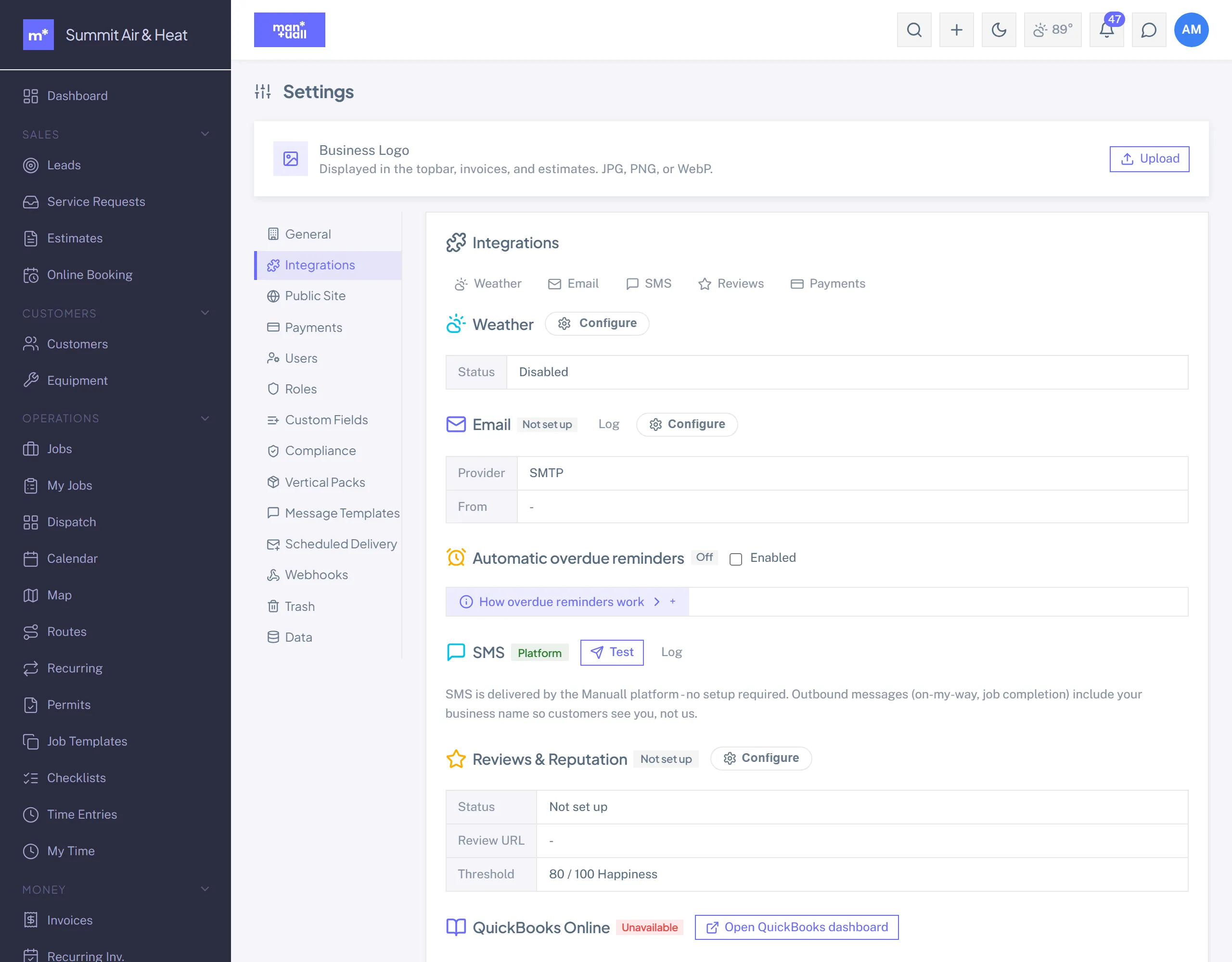
- Settings -> Integrations -> QuickBooks -> Connect to QuickBooks.
- Sign in to Intuit and authorize your company.
- Map your accounts: pick the income account for invoice lines, the deposit account for payments, and when an invoice should sync (on Draft, on Sent, or on Paid).
- Have sales tax turned on in QuickBooks and your rates set in Manuall (see Sales tax below). One-time, both sides.
- Done. Manuall starts pushing.
Sales tax
Manuall works out the tax on every invoice and sends that figure with it as a tax override (a transaction tax code plus the amount), so the QuickBooks total matches Manuall's and a synced payment settles the QuickBooks invoice exactly. What to have in place:
In Manuall
- Set the default rate (Settings -> General) and any named rates (Settings -> Tax Rates) before the first sync. Assign a named rate to a customer or a service where it differs from the default.
- Mark tax-exempt customers on the customer record. Their invoices go over with every line non-taxable, so QuickBooks adds nothing of its own.
In QuickBooks
- Turn sales tax on (Taxes -> Sales tax) with a tax agency. With sales tax off, QuickBooks ignores tax on every invoice, so the sync sends none and the QuickBooks page says so.
- A company on Automated Sales Tax keeps its own tax code (chosen from the customer's address) but books Manuall's amount. Keep customer addresses complete in Manuall; they sync to the customer record QuickBooks reads.
What you will see there
- One tax code per Manuall rate, made the first time an invoice at that rate syncs and named for it: "Standard 8.9% (Manuall)", "Sales tax 8.9% (Manuall)" for the default rate, or "Sales tax 7.45% blended (Manuall)" when one invoice mixes rates. Leave them active: an invoice at that rate references its code, and QuickBooks rejects a reference to an inactive one. Changing a rate in Manuall makes a new code at the new percent; renaming a code is harmless.
- The Connection card on the QuickBooks page shows how the company handles tax: sent from Manuall and booked as is, automated with Manuall's amount applied, or off in QuickBooks. It is read from QuickBooks daily and again after every reconnect, and reconnecting (even to another company) is safe: codes are found by name and made only where missing.
- If QuickBooks ever keeps a different figure, the sync log shows a Warning with both totals.
What syncs
- Customer create or update -> a QBO customer.
- Invoice and payment -> a QBO invoice and payment. A voided invoice is voided there too.
- Card refunds and lost chargebacks -> a QBO refund receipt against one "Refunds & Chargebacks (Manuall)" item.
- A prepaid deposit is one sale, not two: the deposit invoice itself is never posted. The deposit arrives in QuickBooks as an unapplied customer payment, and when the final invoice credits it, that same payment is applied to the final invoice.
- Sales tax: the tax Manuall computed goes with the invoice, under a QuickBooks tax code named for the Manuall rate (created once, for example "Standard 8.9% (Manuall)"). A company on Automated Sales Tax keeps its own code but books Manuall's amount. A tax-exempt customer's lines go over as non-taxable, so QuickBooks adds no tax of its own. If sales tax is off in QuickBooks, none is sent; the QuickBooks page says which of these applies, and the sync log shows a Warning with both figures whenever the totals differ.
- Card processing costs (about 3.4% all-in) are netted by Stripe, not synced as a separate QBO line. Reconcile your Stripe payout statements against the synced payments.
Not synced yet, so handle these in QuickBooks by hand: a credit memo applied to an invoice, an invoice written off, and a deposit that was refunded after it had been applied (the sync log says so when it skips one).
Queue, retries, and a manual push
Syncs run in the background on a queue with retry and backoff. Need it now? Use Sync now. The full attempt history is an append-only audit log. The inbound webhook from Intuit is verified and logged only in this version.
Plan tier
QuickBooks is on Professional and up.