
Team & Availability
Team profiles, skills, certifications, weekly schedule, service radius, PTO blockers.
Team profiles plus the per-tech schedule and service area the slot finder runs on. (The module was called Workers; it's Team now.)
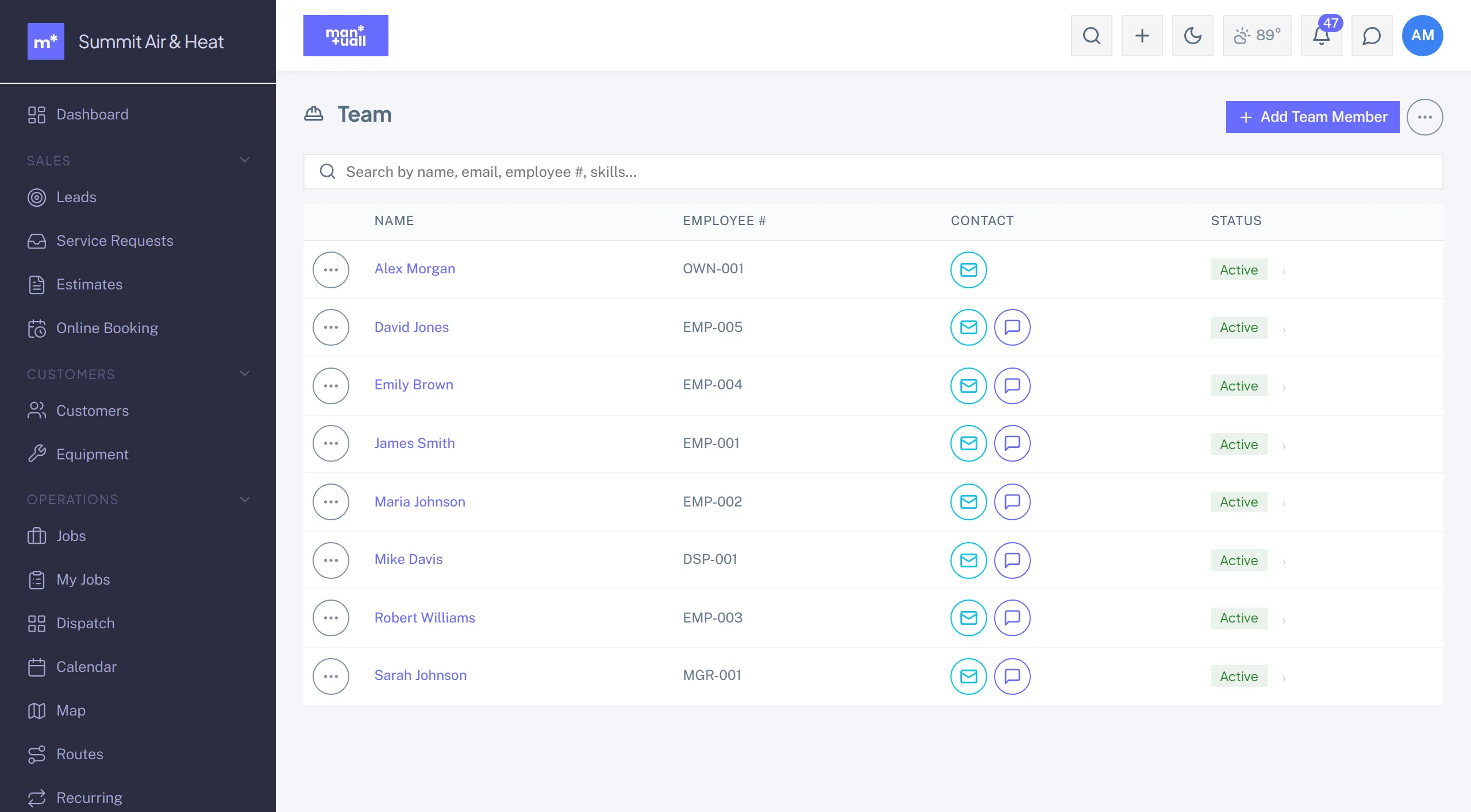
Profile fields
- The linked user account, name, role, and calendar color.
- Pay type (Hourly, Salary, or Flat) and pay rate.
- Skills (comma-separated): these gate the slot finder.
- Certifications and hire date.
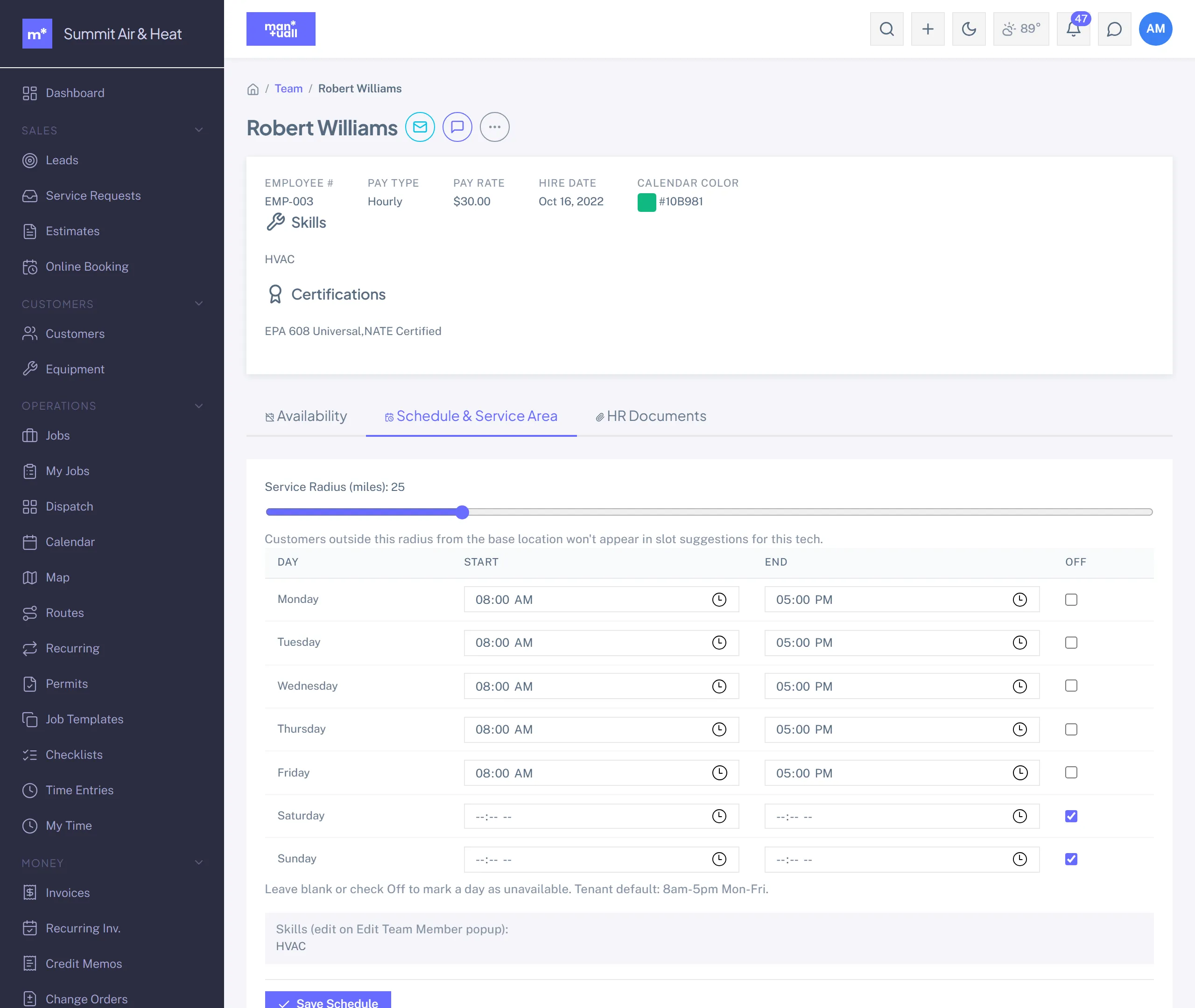
Schedule & Service Area tab
- Base location: the lat/lng or address the tech starts and ends the day at.
- Service radius (miles): how far the tech will travel from base (defaults to 25).
- Weekly schedule: Monday through Sunday, a start and end time per day, or Off.
These feed the slot finder. Leave them blank and it falls back to your tenant-wide working hours.
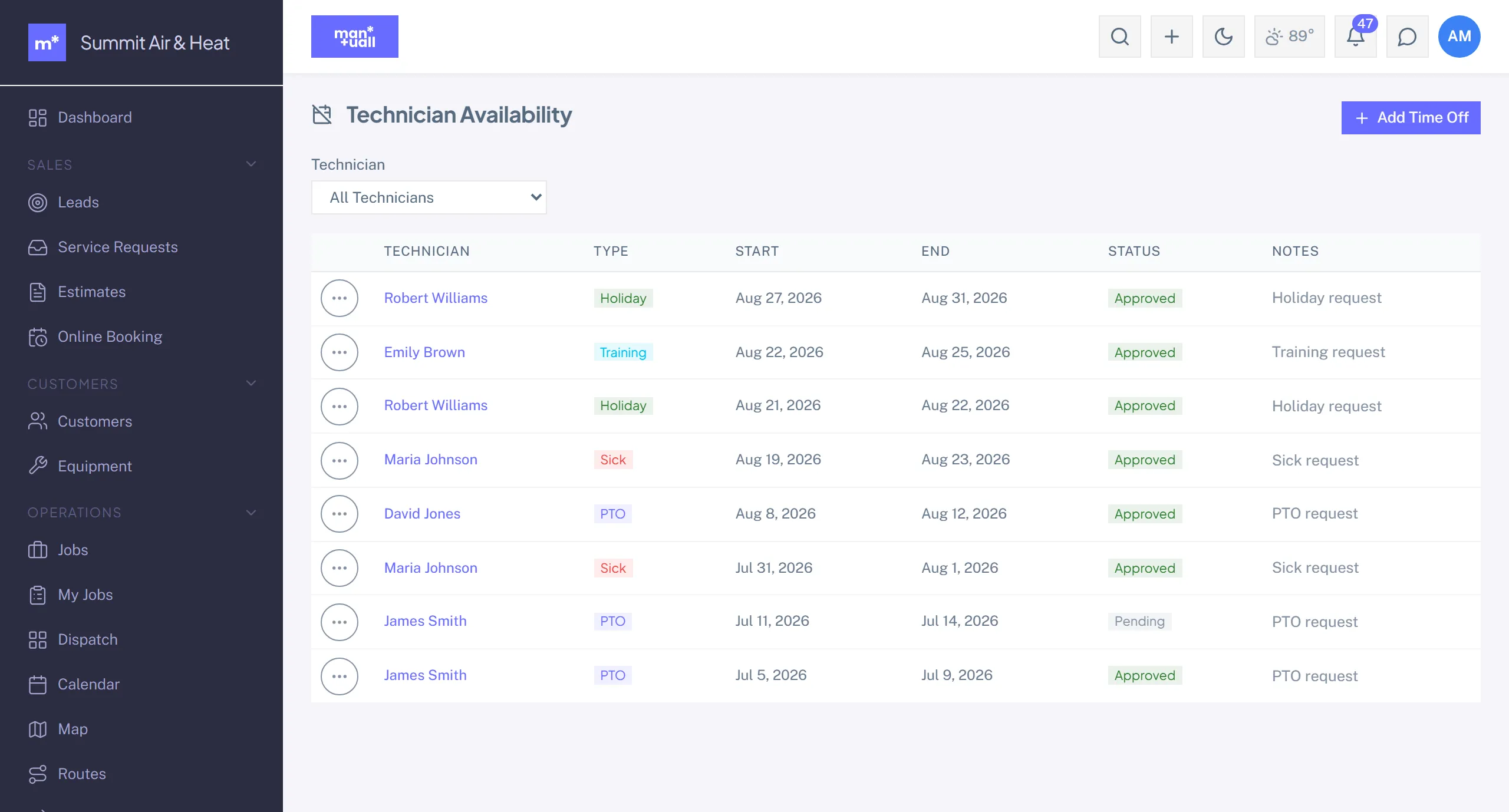
Availability blockers
Team detail -> Availability. Add a blocker for PTO, sick days, or training: a date range and a note. Blockers show on the calendar and the slot finder routes around them.
In Analytics
Analytics -> Operational Efficiency: revenue per tech, jobs per day per tech, overtime %.
Plan tier
Team is on every plan.